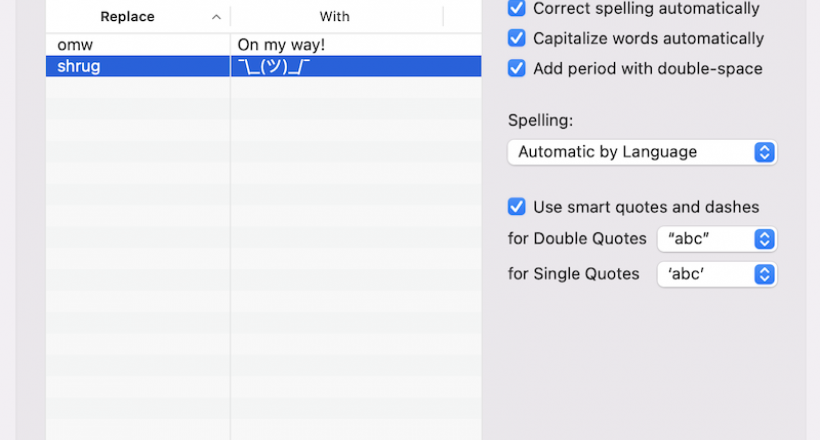
The shrug emoji 🤷 is a popular image used to convey confusion or emphasize a question.
I first noticed ¯\_(ツ)_/¯ at the end of some tweet and wondered how to type it actually? upper line/slash/underline.. squares and then some strange symbols I doubt I have on my MAC.
After googling it - I found this brilliant article: How to Type the Shrug Emoji ¯\_(ツ)_/¯ in 2 Seconds Flat
And here is how:
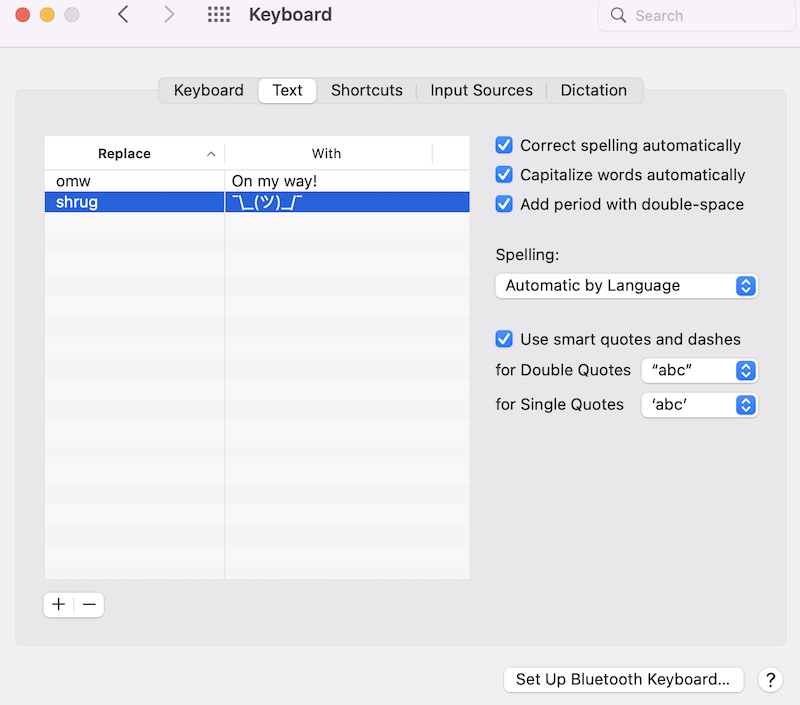
1. Copy "¯\_(ツ)_/¯"
2. Go to System Preferences
3. Click Keyboard
4. Press Text
5. In the Replace box, type "shrug"
6. In the With box, paste "¯\_(ツ)_/¯"