On November 15, 2026, I upgraded the XTRF translation management system we use at Caucasus Translations in Tbilisi from 10.3.2 to 10.8.8. The server was already running Ubuntu 22.04 and PostgreSQL 14, so this was an application upgrade through the existing XTRF APT repository.
I have been looking after this installation for more than a decade. Most of the time it runs quietly in the background, until a security update or a change in the underlying server stack brings me back to the command line. This time, I worked through the upgrade with Codex over SSH and kept screenshots of the process.
Continuing my earlier XTRF upgrade notes
If you are maintaining your own XTRF server, these two earlier articles provide the background:
- How To Update XTRF to The Latest Version (Linux/Debian) — my February 2024 notes on updating through APT and the older
xtrf9-fullpackage. - How I Upgraded XTRF on Ubuntu with PostgreSQL 14 (and Fixed Every Broken Dependency) — the May 2025 upgrade involving Ubuntu, PostgreSQL, JBoss, and several dependency and configuration issues.
The 2025 article records the move from Ubuntu 18.04 through 20.04 to 22.04. That work had already been done on this server. The package name relevant to this update was xtrf10-full.
Why it was time to update
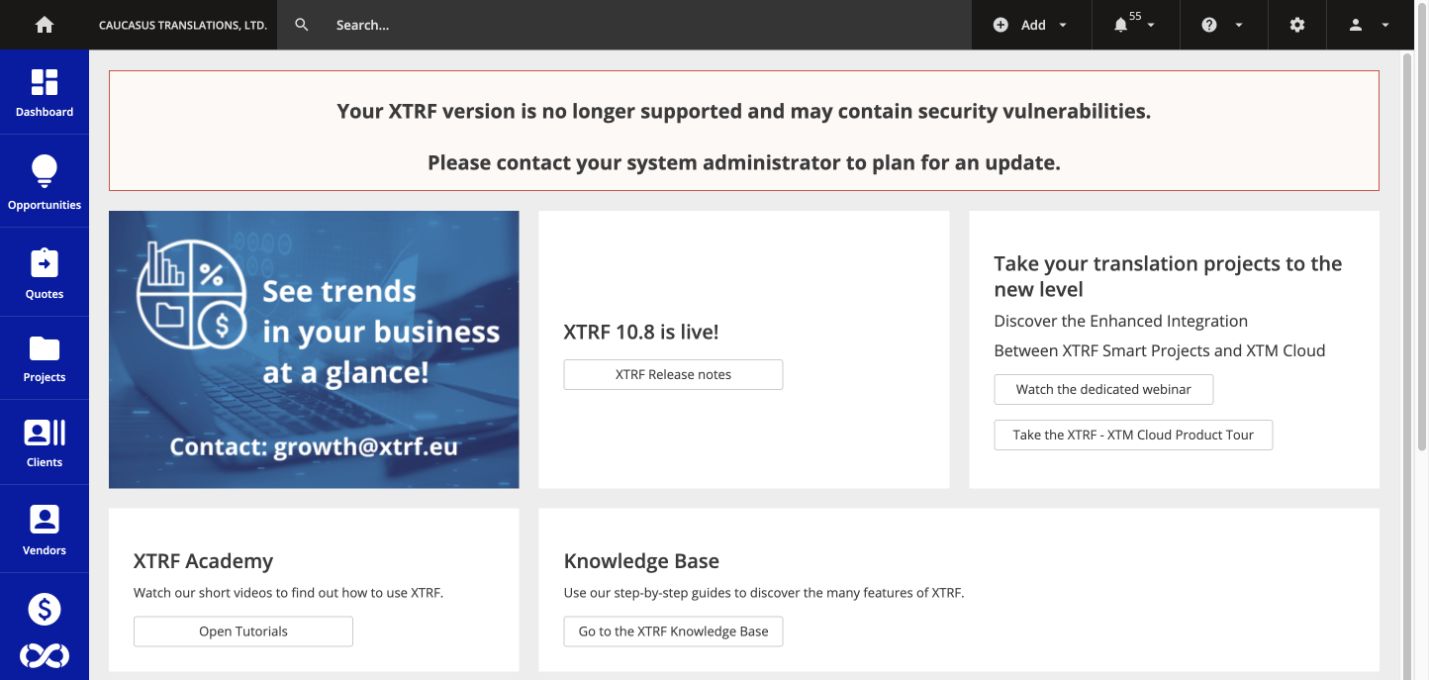
The XTRF home page displayed a warning that our installed version was no longer supported and might contain security vulnerabilities. The official XTRF 10.8 release notes also highlight an important security fix. The configured repository offered the newer maintenance release, 10.8.8rel1.
Checking the server before installing anything
The first hurdle was recovering my server login. Once access was available, we verified the SSH host fingerprint against the server console and connected using an SSH key. No password needed to be shared in the chat.
These were the useful starting checks:
cat /etc/os-release
dpkg-query -W xtrf10-full
apt-cache policy xtrf10-full
pg_lsclusters
df -h /
The server was running Ubuntu 22.04.5 LTS, Java 17, and XTRF 10.3.2rel1. Several PostgreSQL clusters were still present from earlier upgrades. We checked XTRF's actual database configuration and confirmed it was using PostgreSQL 14.17 on port 5436.
That port matters. Finding several database versions on a server does not tell you which one the application is using. We left the older clusters alone and recorded aggregate project, task, client, vendor, and invoice counts so they could be compared after the migration.
Disk space also needed attention: the root filesystem was about 90% full, with roughly 11 GB available. We checked the package size and available space before proceeding. I already had server-level backups and chose not to create a separate manual backup set for this update.
Simulating the APT upgrade
Before running the installer, we checked its proposed changes:
apt-get -s install xtrf10-fullThe simulation proposed one package upgrade, with no new packages and no removals. We then downloaded the official package without installing it:
apt-get --download-only --yes install xtrf10-full=10.8.8rel1The download was approximately 680 MB. Its SHA-256 checksum matched the repository metadata. We also inspected the package's upgrade scripts and checked the installed package files for local modifications; none were reported.
Installing XTRF 10.8.8
The installation ran as root under a transient systemd unit so it could continue independently of the SSH connection. The APT command inside that unit was:
DEBIAN_FRONTEND=noninteractive apt-get --yes \
  -o Dpkg::Options::=--force-confdef \
  -o Dpkg::Options::=--force-confold \
  install xtrf10-full=10.8.8rel1
Those configuration options retain locally modified configuration files when needed, while allowing the normal package decision otherwise. On this installation, the package installed updated versions of its standard configuration files and reported successful checksum checks.
The installer also ran its own automatic database-backup step. This happened as part of the vendor's package procedure, even though I had chosen not to make an additional manual backup.
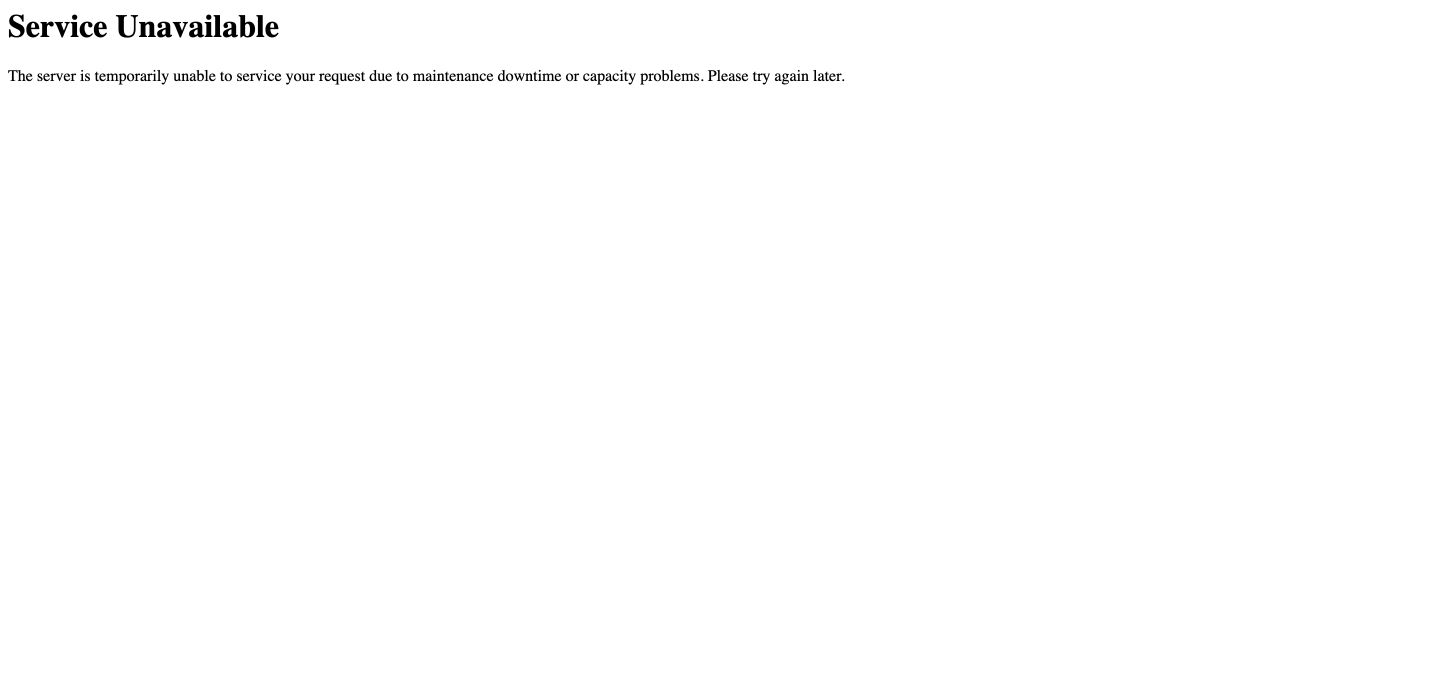
A shutdown timeout and a PostgreSQL warning
There were two details worth recording for the next time I do this.
First, the old JBoss service did not stop within its 90-second timeout. Systemd terminated the old process, and the installer continued. We monitored the installation and checked the new application's startup afterward.
Second, the package's database initialization check tried the default PostgreSQL port, 5432, and reported that no socket was available there. Our working XTRF database was on 5436. The application kept that configured connection and successfully ran its migrations against the existing database. We did not create a new database or change the active PostgreSQL cluster.
The installer returned exit code zero. XTRF then applied 57 database migration patches, bringing the database schema to 10.8.5. The application version is 10.8.8; those two version numbers do not need to be identical.
Checking the result
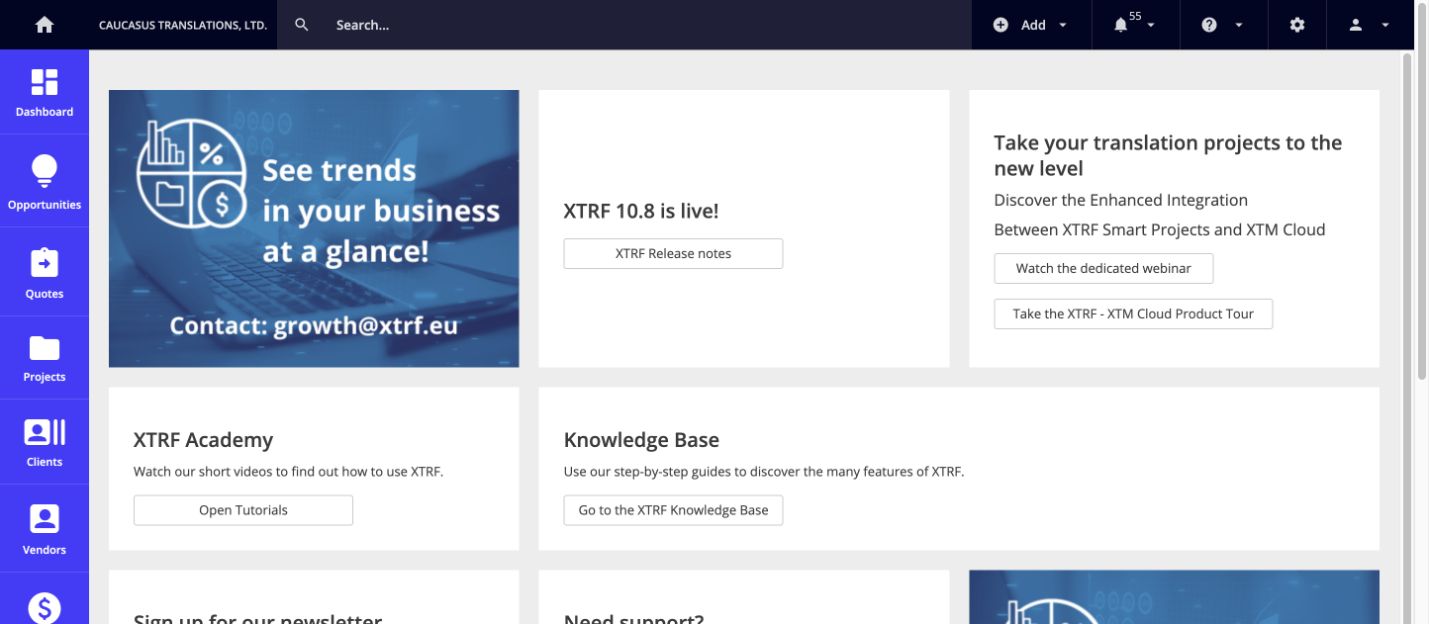
After initialization finished, I signed in again because the restart had cleared the browser session. The unsupported-version warning was gone, and System Monitor confirmed XTRF 10.8.8 with database schema 10.8.5.
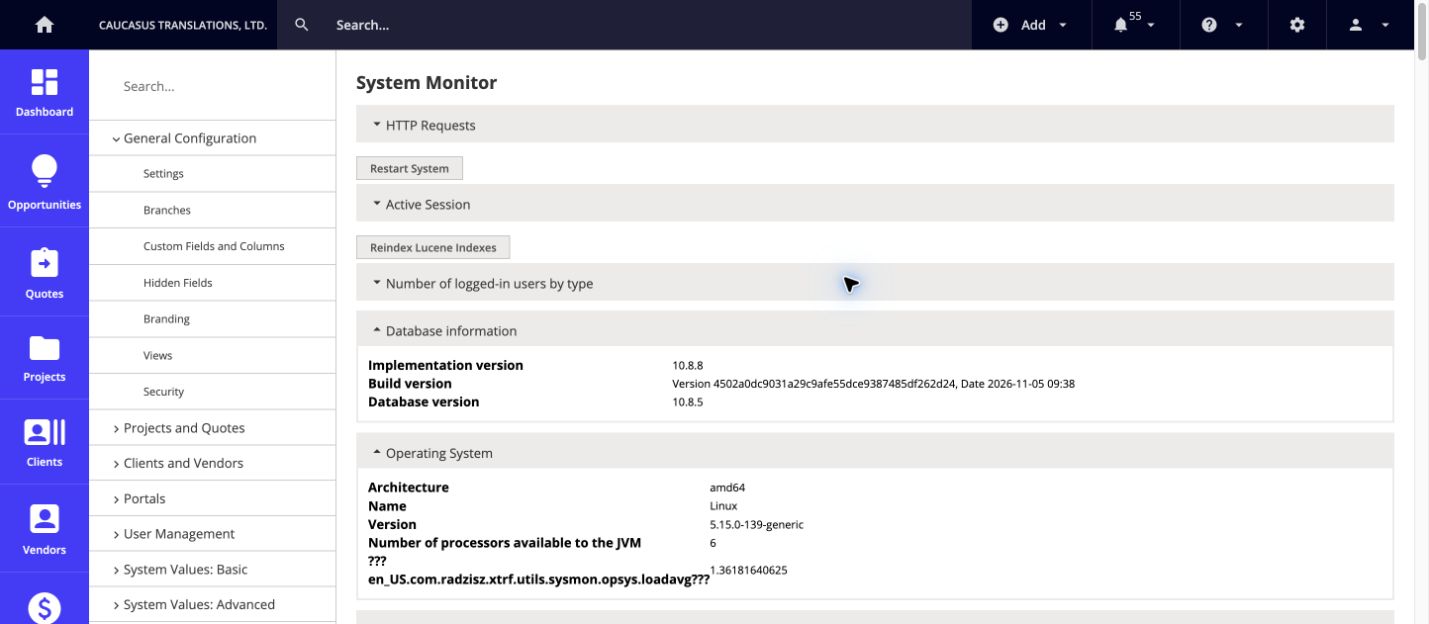
We verified that the projects and client invoices screens loaded populated result pages. The public Vendor Portal and Client Portal sign-in pages also loaded, and the XTRF, file-stats, Apache, and PostgreSQL 14 services were running.
All six aggregate database counts matched their pre-upgrade values. These checks covered startup, access, and the existing records. We did not create a test project or invoice, or run a complete CAT integration or email-delivery workflow.
Updating and securing the underlying Ubuntu server
After the XTRF upgrade, I also updated the underlying Linode Ubuntu server and rebooted it into kernel 5.15.0-203. The server now runs Java 17.0.21 and PostgreSQL 14.24. APT reported no pending package updates after maintenance.
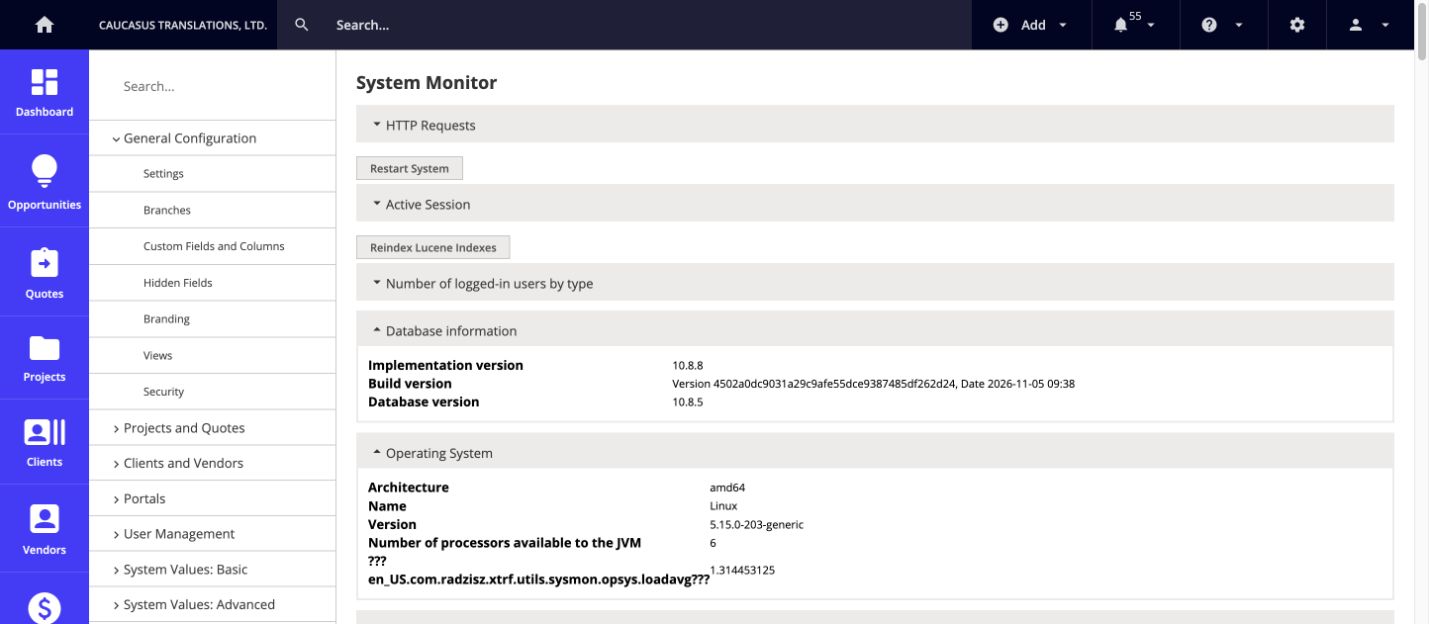
We also tightened access to the server:
- Enabled a host firewall for IPv4 and IPv6, allowing SSH and web traffic while blocking public access to the XTRF backend and monitoring ports.
- Required SSH keys, disabled password-based SSH login, and added connection rate limiting and Fail2ban protection against repeated failed attempts.
- Enabled automatic Ubuntu security updates, with automatic reboots disabled.
- Stopped the obsolete PostgreSQL 10 and 12 clusters and prevented automatic startup, preserving their data directories. XTRF continues to use PostgreSQL 14 on port 5436.
After the reboot, we checked the authenticated projects and client invoices screens again. All six aggregate record counts still matched, and no system services were failed. External HTTPS checks verified the certificate and confirmed that TLS 1.0 and 1.1 were rejected.
These changes address the missing updates and exposed services we found. Keeping the server patched and reviewing access remain ongoing maintenance tasks.
Freeing 74 GB: disk usage dropped from 91% to 21%
The next job was clearing years of accumulated local backups and logs. The local database-backup directory alone occupied about 61 GB, with files dating back to 2018. One archived garbage-collection log from 2022 occupied another 8.7 GB.
Since I already had server-level backups, we removed the obsolete local backups and old log files, retaining seven days of local backups and recent logs. The current database, application files, and project data were preserved.
The cleanup freed approximately 74 GB. Disk usage dropped from 91% to 21%, leaving about 84 GB free.
To prevent the same buildup, we added daily retention rules: seven days for local database backups, 14 days for archived JBoss and GC logs, and 30 days for other application logs. The system journal is now capped at 512 MB with a maximum retention of 14 days.
After cleanup, XTRF returned HTTP 200, database connectivity passed, and no services were failed. The server now has considerably more room for normal operation and future updates.
The active database remains on PostgreSQL 14. A future major-version migration should be planned separately against the requirements of the XTRF release being installed.
This maintenance session covered the application upgrade, server patches, access controls, and storage cleanup. The commands, verification steps, and screenshots give me a useful reference for the next XTRF update.